Difference Between IP Address and MAC Address Explained (2026 Guide)
IP address and MAC address both identify a device on a network — but they work at completely different levels. Here’s the difference between IP and MAC address explained in plain terms, with real examples.
What Is an IP Address?
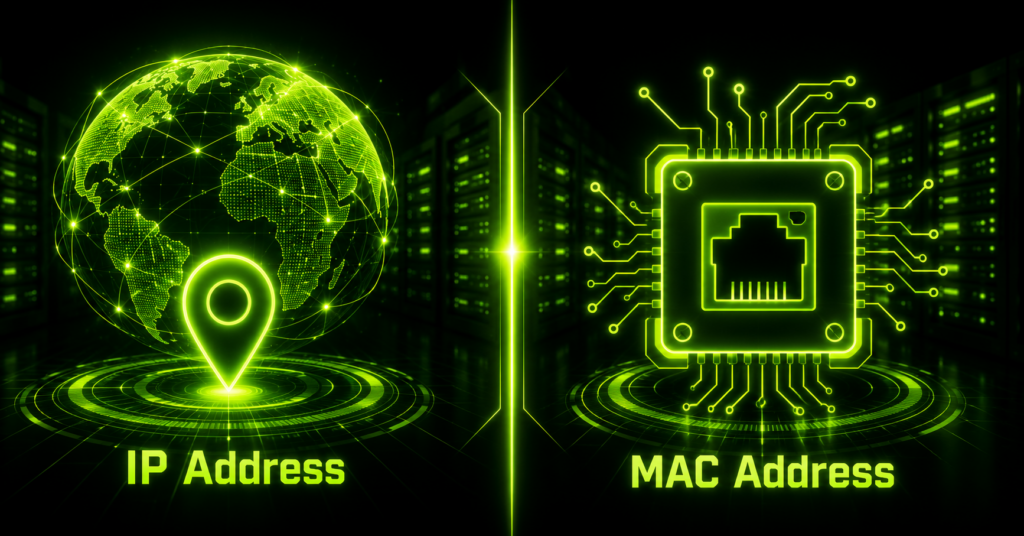
An IP address (Internet Protocol address) is a numerical label assigned to a device on a network, used to identify it and route data to and from it. Think of it as a device’s postal address — it tells the network where to deliver information.
- Assigned by the network — usually by a router or ISP, either automatically (DHCP) or manually (static)
- Can change — a device may get a different IP address each time it connects to a network
- Works at the network layer — Layer 3 of the OSI model
- Comes in two versions — IPv4 (e.g., 192.168.1.1) and IPv6 (e.g., 2001:0db8::1)
IP addresses are what allow data to travel across different networks — including the internet — from a source device to a destination device.
What Is a MAC Address?
A MAC address (Media Access Control address) is a unique physical identifier permanently assigned to a device’s network hardware — like its Wi-Fi card or Ethernet adapter. Think of it as the device’s fingerprint, built into the hardware itself.
- Assigned by the manufacturer — burned into the network interface card (NIC) at the factory
- Stays fixed — doesn’t change when you switch networks (unless spoofed)
- Works at the data link layer — Layer 2 of the OSI model
- Format — a 12-character hexadecimal string, e.g., 00:1A:2B:3C:4D:5E
MAC addresses only matter within a local network (like your home Wi-Fi or office LAN) — they’re not used to route traffic across the internet.
Key Differences: IP vs MAC Address
| Factor | IP Address | MAC Address |
|---|---|---|
| Full Form | Internet Protocol Address | Media Access Control Address |
| Assigned By | Network / ISP / Router (DHCP) | Hardware manufacturer |
| OSI Layer | Layer 3 (Network) | Layer 2 (Data Link) |
| Nature | Logical / software-based | Physical / hardware-based |
| Changeability | Can change (dynamic or static) | Fixed (rarely changes) |
| Format | 192.168.1.1 (IPv4) | 00:1A:2B:3C:4D:5E |
| Scope | Works across networks (internet) | Works within a local network only |
How IP and MAC Addresses Work Together
When you send data over a network, both addresses play a role — just at different stages:
Step 1 — Your device uses the destination’s IP address to figure out where the data needs to go, even across the internet.
Step 2 — Within the local network, a protocol called ARP (Address Resolution Protocol) maps that IP address to the correct device’s MAC address.
Step 3 — The data is then delivered to the exact physical device on the local network using its MAC address.
In short: the IP address gets your data to the right network, and the MAC address gets it to the right device within that network.
Why Networks Need Both
- Routing across networks — IP addresses allow data to travel between different networks, including the internet
- Device-level delivery — MAC addresses ensure data reaches the exact physical device once it’s on the local network
- Security and access control — routers can allow or block specific devices using MAC address filtering
- Network troubleshooting — both addresses help diagnose connectivity issues at different layers
How to Find Your IP and MAC Address
On Windows
Open Command Prompt and type ipconfig /all — your IP address appears as “IPv4 Address” and your MAC address as “Physical Address.”
On macOS
Go to System Settings → Network → Wi-Fi/Ethernet → Details, or open Terminal and type ifconfig.
On Linux
Open a terminal and run ip a or ifconfig to view both addresses for each network interface.
Final Thoughts
The core difference between IP and MAC address comes down to scope and permanence: an IP address is a logical, changeable label used to route data across networks, while a MAC address is a fixed, hardware-level identifier used to deliver data within a local network. Together, they make sure data reaches not just the right network — but the exact device you intended.
FAQs
Q1. Can two devices have the same IP address?
Not on the same network at the same time — that would cause an IP conflict. However, devices on different private networks (like two different homes) can share the same local IP address.
Q2. Can a MAC address be changed?
Yes, through a process called MAC spoofing, though the original address is still burned into the hardware and can typically be restored.
Q3. Does a MAC address reveal your location?
No. A MAC address only identifies hardware and doesn’t work outside your local network, so it can’t be used to trace a physical location the way an IP address sometimes can.
Q4. Which one does a hacker need to attack my device — IP or MAC?
An IP address is what’s typically needed for remote attacks over the internet, since MAC addresses aren’t visible or usable outside your local network.
Q5. Does every device have both an IP and a MAC address?
Any device with a network interface (Wi-Fi card, Ethernet port) has a MAC address, and it’s assigned an IP address whenever it connects to a network.
Explore our Knowledge Base for more guides
DNS records, SSH setup, cPanel tutorials, and more — written for real-world hosting and server management.
Visit Knowledge Base →